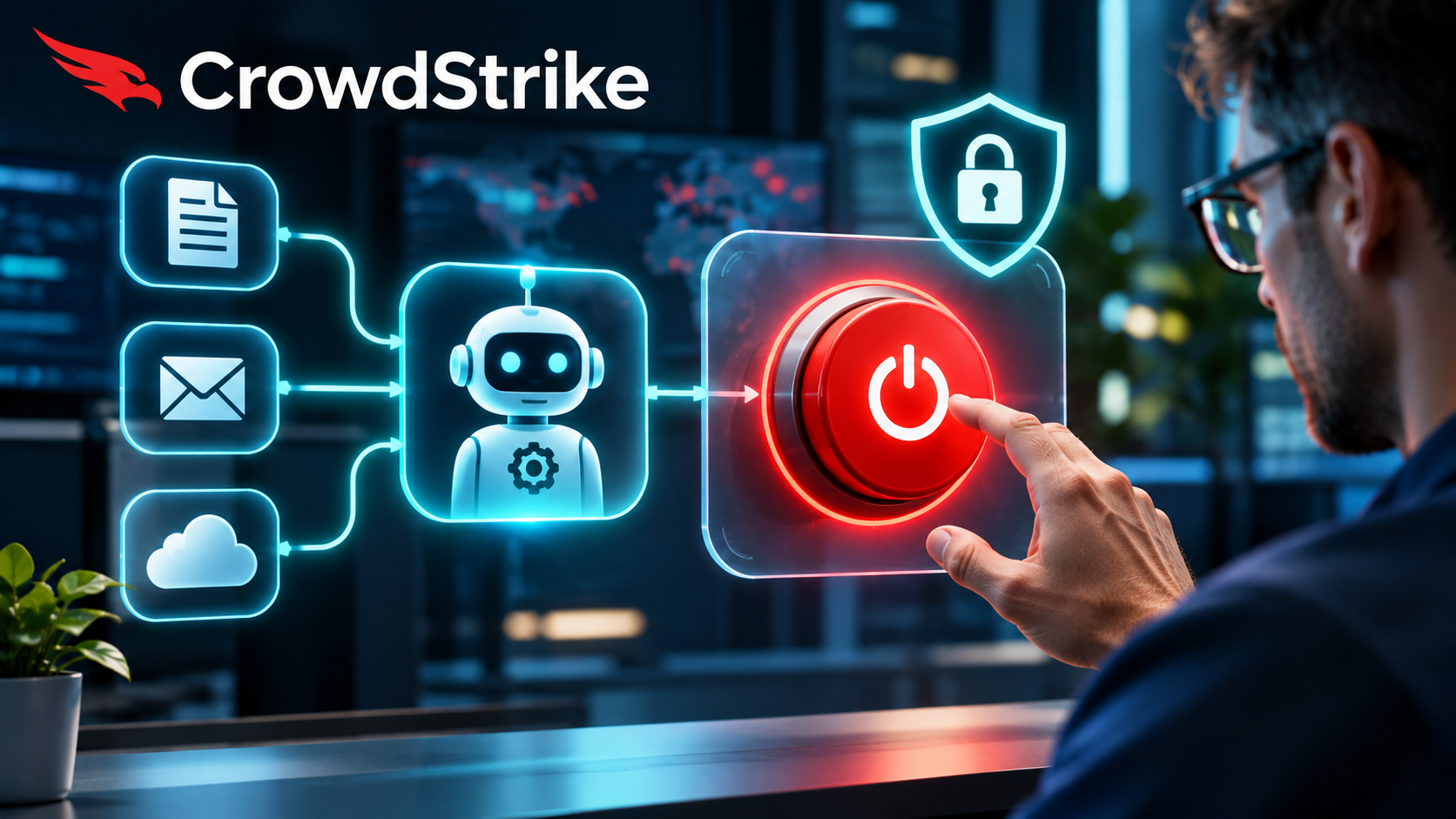
An AI agent with access to your files, apps or company systems needs a reliable way to be stopped when it behaves unexpectedly. On November 3, 2026, CrowdStrike announced an AI Kill Switch for its Falcon Guardian security product. According to the company, authorized defenders can interrupt an agent, prevent it from relaunching on targeted systems and restrict its enterprise network access. The announcement is relevant to any organization allowing AI software to take actions, rather than merely answer questions.
A kill switch is an emergency control, not a substitute for carefully limited permissions or human approval. You do not need CrowdStrike to apply those basic safeguards. The important question is whether the agents in your environment can be identified, monitored and contained before a mistake spreads.
What CrowdStrike announced on November 3 and 4
In its November 3 announcement, CrowdStrike introduced the AI Kill Switch within Falcon Guardian. The company describes four core elements: terminate the running agent, block relaunch on a selected host or host group, remove enterprise network access and log the administrator’s intervention. CrowdStrike says the feature is available to Falcon Guardian customers.
The implementation details matter. CrowdStrike describes initial intervention at the gateway, with additional endpoint stopping capabilities described as coming later. This should not be read as a promise that every possible agent can already be stopped in every runtime or deployment environment.
On November 4, the company also announced Agent Insider Threat Detection, intended to identify unusual agent behavior even when no simple policy rule has been violated. CrowdStrike says such detections can feed coordinated security investigations. These statements describe vendor-announced capabilities; Arti-Trends has not independently tested detection speed, blocking coverage or reliability.
Why AI agents create a different security problem
An ordinary chatbot may draft a message that a person decides whether to send. An AI agent can be connected to mailboxes, documents, repositories, calendars and business applications. Depending on its permissions, it may execute a sequence of actions before a person sees the result.
Imagine an authorized agent asked to summarize customer inquiries. It can read a shared inbox and create notes in a project system. If a malicious instruction is hidden inside one incoming message, the agent might attempt to send confidential content to an external address. This is a hypothetical prompt-injection scenario, not a documented CrowdStrike incident or a demonstrated exploit against a specific product.
Whether that attempt succeeds depends on what the agent is allowed to access, which actions require confirmation, and what monitoring or filtering exists. An emergency stop may limit further harm, but it cannot necessarily undo data already disclosed or actions already completed.
Five safeguards to put in place before giving an agent access
- Inventory the agents and their owners. Record the service, the business purpose, the systems it can reach, who approved it and who can disable it. An agent that nobody owns is difficult to manage during an incident.
- Limit permissions to the actual task. Give a research agent read access where possible, not permission to delete documents or send external messages. Prefer a dedicated identity, narrow scopes and short-lived credentials over broadly shared accounts.
- Require confirmation for consequential actions. External emails, purchases, permission changes, customer-record edits and deletion should have a suitable approval step. Define the threshold before the agent is deployed.
- Keep an actionable audit trail. Preserve the task request, relevant tool calls, user or service identity, resulting changes and administrator interventions. Follow your organization’s privacy and retention requirements; indiscriminately logging sensitive prompts can itself create a problem.
- Test the stop-and-recovery procedure. Know how to disable credentials, revoke integrations, stop scheduled jobs and verify the agent cannot restart. Practice in a permitted test environment, then document what actions may need manual rollback.
These safeguards are product-independent editorial guidance, not a claim that all are supplied automatically by Falcon Guardian. Small teams may be able to implement several through the access controls and approval features they already use.
What a kill switch does—and does not—solve
| Risk | Useful preventive control | When intervention helps |
|---|---|---|
| An agent reads more data than required | Restricted data and account permissions | Disable the account or integration; investigate access logs |
| A message tries to redirect an agent’s behavior | Separate untrusted content from instructions; approval for sensitive actions | Stop the agent and revoke tools if suspicious actions begin |
| An agent sends incorrect or unauthorized messages | Human review before sending outside the organization | Stop future sends and assess what recipients already received |
| A scheduled agent keeps repeating an error | Run limits, alerts and an accountable owner | Pause the schedule, revoke access and correct affected records |
The distinction is important: preventive controls reduce the chance of a harmful action, while a kill switch aims to contain a process after something goes wrong. Neither mechanism establishes that the resulting damage has been reversed.
Should your team buy an AI-agent security product?
Not necessarily. Start with your actual agent inventory and risk. If your team only uses AI to draft text for human review, dedicated runtime agent security may not be the immediate priority. If agents can execute code, modify production data, access sensitive customer information or communicate autonomously with external systems, stronger centralized oversight becomes more relevant.
Evaluate security products using specific questions: Which agent runtimes and operating systems are supported today? What actions can an administrator stop? Are controls enforced at the gateway, endpoint or both? What works when the agent is offline or uses a local model? What evidence is preserved? Does the feature require a particular licensed plan? What remains on the vendor’s roadmap?
CrowdStrike’s documentation establishes what it currently advertises, not independent effectiveness or broad compatibility. No comparative product performance ranking, hands-on evaluation or price comparison is presented here.
A ten-minute first check for small teams
Choose the most capable AI agent your organization currently uses. List its connected tools and permissions, then identify the person who can disable it. Select one consequential action—such as sending an external email or deleting a file—and check whether the agent can perform it without separate approval. Finally, write down the exact recovery steps if the agent acts incorrectly. If you cannot answer these questions, reduce the agent’s access before expanding its autonomy.
For practical background, see Arti-Trends’ guide to using AI tools safely, explanation of how AI tools work and AI Tools Comparison Hub. These can help you choose simpler tools when full autonomy is unnecessary.
Sources and editorial disclosure
CrowdStrike, AI Kill Switch announcement, November 3, 2026; CrowdStrike technical overview, November 3, 2026; CrowdStrike, Agent Insider Threat Detection announcement, November 4, 2026. Sources checked November 4, 2026. Product availability and capabilities are attributed to CrowdStrike. Arti-Trends has not conducted a hands-on test of Falcon Guardian. The example and safeguards above are editorial analysis, not reports of an actual security incident.