
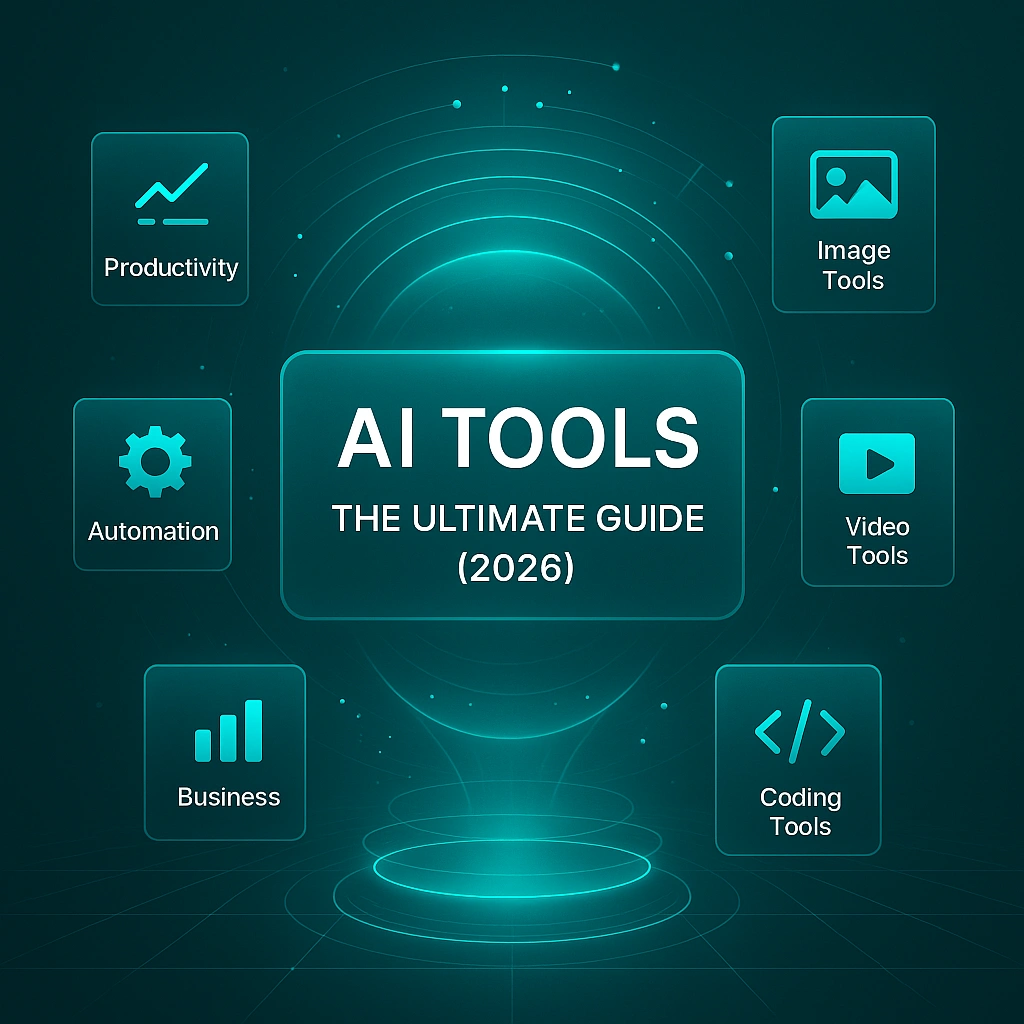
AI tools are no longer optional add-ons or experimental software. In 2026, they form the operational layer of modern work — the systems people rely on to research, analyze, build, automate, and make decisions faster across nearly every profession.
The real challenge is no longer access. It is clarity.
With thousands of AI tools launching every year, most professionals face the same problem: too many options, overlapping claims, and too little guidance on what actually matters. Some tools create real leverage. Others introduce friction, risk, or unreliable output — and the difference is rarely obvious from feature lists or model names alone.
This guide is the central starting point of the Arti-Trends AI Tools Hub. It provides a structured overview of the AI tools landscape in 2026, explains the major categories, shows how tools fit into real workflows, and outlines how to evaluate and choose AI tools without getting overwhelmed.
Rather than listing individual tools, this guide focuses on understanding how AI tools are structured, how they are used in practice, and how different categories serve different types of work. For a system-level explanation of how AI tools function internally — from models and interfaces to context layers and automation — see How AI Tools Work. If your goal is selecting tools for a specific use case, the category deep dives and How to Choose the Right AI Tool provide a more targeted starting point.
In practice, most AI tools fall into a small number of categories — and each category solves a different kind of work problem. Once you understand the categories, choosing tools becomes far easier.
What Are AI Tools?
AI tools are software applications that apply artificial intelligence to perform specific tasks within real-world workflows.
They are not AI models themselves, nor are they abstract research systems. AI tools exist to make AI usable: they wrap underlying models in interfaces, logic, and contextual constraints so people and organizations can apply AI to concrete problems such as writing, analysis, design, automation, and decision-making.
A useful way to think about AI tools is as the translation layer between artificial intelligence and everyday work.
While AI models generate predictions — text, images, classifications, or recommendations — AI tools determine how those capabilities are accessed and applied. They shape user interaction, control what data the system can see, define how outputs are handled, and determine how results connect to broader workflows and systems.
This distinction matters.
Two tools may rely on similar AI foundations while delivering very different outcomes in terms of reliability, usability, and real productivity impact. Understanding what qualifies as an AI tool — and how it differs from models, platforms, or agents — is essential before exploring categories or comparing solutions.
This guide focuses on AI tools as products and systems, not on underlying AI theory or training processes. The goal is to establish a clear mental model that supports better evaluation, selection, and effective use of AI tools across different domains.
How AI Tools Actually Work (High-Level Overview)
AI tools do not operate as single pieces of technology. They are systems built from multiple layers that work together to translate artificial intelligence into usable products.
At a high level, most AI tools follow the same architectural pattern. Foundation models provide raw capabilities such as language generation or pattern recognition. Interfaces shape how users interact with those capabilities. Context layers determine what information the tool can access and retain. Workflow and automation logic define how outputs are executed, reused, or connected to other systems.
This layered design explains why tools built on similar AI foundations can behave very differently in practice. It also clarifies why productivity gains rarely come from models alone, but from how models are embedded into interfaces, workflows, and real-world processes.
Understanding this structure is essential before exploring categories or comparing tools. It creates a clear mental framework for evaluating what a tool can realistically do, where its limitations lie, and how it fits into broader workflows. For a detailed, system-level explanation of this architecture — including how models, interfaces, context, and automation interact — see How AI Tools Work.
Core Categories of AI Tools
AI tools do not form a single, uniform category. They solve different types of work, operate in different contexts, and require different evaluation criteria.
Understanding AI tools therefore starts with understanding categories. Each category below represents a distinct class of AI tools, defined by the problems they solve and how they are typically used in real workflows.
AI Productivity Tools
AI productivity tools are designed to improve speed, focus, and efficiency in everyday knowledge work. They assist with tasks such as writing, summarizing, planning, analysis, and communication, often across multiple applications.
These tools are most effective when they reduce friction and integrate naturally into daily workflows. A full category breakdown is available in AI Productivity Tools.
AI Content Creation Tools
AI content creation tools focus on generating and refining creative output, including text, visuals, audio, and multimedia assets. They are commonly used by marketers, creators, educators, and content teams.
Compared to productivity tools, creative tools often prioritize control, iteration, and stylistic flexibility. This category is explored in AI Content Creation Tools.
AI Image Generation Tools
AI image generation tools specialize in creating visual assets from text prompts, references, or structured inputs. They are widely used for design, illustration, concept art, and rapid visual experimentation.
These tools introduce new creative workflows by lowering traditional design barriers. See AI Image Generation Tools for a detailed overview.
AI Video Creation Tools
AI video creation tools apply AI to generate, edit, or enhance video content, including explainers, animations, and social media clips.
They significantly reduce the cost and complexity of video production. This category is covered in AI Video Creation Tools.
AI Business Automation Tools
AI business automation tools connect AI capabilities to operational processes. They are used to automate repetitive tasks, orchestrate workflows, and integrate AI outputs with business systems.
This category plays a key role in scaling AI across organizations. Learn more in AI Business Automation Tools.
AI Code & Developer Tools
AI code and developer tools assist with software development tasks such as writing code, debugging, refactoring, documentation, and testing.
They accelerate development cycles while still requiring human oversight and architectural decision-making. A full category analysis is available in AI Code & Developer Tools.
AI Research & Knowledge Tools
AI research and knowledge tools retrieve, analyze, and reason over large volumes of information. They are commonly used for research, decision support, and learning.
These tools rely heavily on context and data grounding. Explore this category in AI Research & Knowledge Tools.
Multimodal AI Tools
Multimodal AI tools combine multiple input and output types — such as text, images, audio, and video — within a single system.
They represent the direction in which many AI tools are evolving. See Multimodal AI Tools for deeper analysis.
How AI Tools Are Used in Practice
AI tools are rarely used in isolation.
In real-world environments, they are combined into workflows that span multiple tasks, systems, and decision points. A single output often becomes the input for another tool, and value emerges from how tools interact rather than from individual features.
This means AI tools are most effective when they support end-to-end processes instead of standalone actions. Writing tools connect to research tools. Analysis tools feed into decision workflows. Automation tools orchestrate when and how AI is applied across systems.
As organizations mature in their AI use, workflows increasingly evolve from manual assistance to partial automation. Human input remains essential, but repetitive steps, data handling, and execution logic are delegated to AI-powered systems.
Understanding this progression is essential when designing effective AI-enabled processes. Practical guidance on structuring workflows is covered in How to Build an AI Workflow, while applied examples focused on everyday efficiency are explored in How to Use AI Tools for Productivity.
How to Choose the Right AI Tool
Choosing an AI tool is rarely about finding the “best” option in absolute terms.
In most cases, the right tool depends on context: the task being solved, the environment in which it operates, the data involved, and how well it fits into existing workflows. Feature lists and model claims are often misleading when viewed without this broader context.
A structured decision process shifts the focus from hype to fit, from novelty to reliability, and from short-term gains to sustainable value. Rather than ranking tools by popularity, Arti-Trends applies an independent and transparent framework to evaluate how tools perform in real-world use cases and how well they integrate into workflows.
Readers looking for a practical, step-by-step approach can explore How to Choose the Right AI Tool. For side-by-side evaluation across criteria, How to Compare AI Tools provides structured comparisons, while How We Review AI Tools explains the methodology behind our assessments.
Risks, Limitations & Responsible Use
AI tools offer powerful capabilities, but they also introduce risks and limitations that require conscious management.
Overreliance is a common pitfall. AI tools can accelerate work, but they do not replace human judgment, domain expertise, or accountability. Outputs may appear confident while still being incomplete, outdated, or incorrect.
Data handling and privacy are equally important. Many AI tools process sensitive information, whether explicitly through uploaded documents or implicitly through stored context. Understanding how tools handle data is essential for responsible use, particularly in professional environments.
These considerations are explored in detail in How to Use AI Tools Safely (Privacy & Protection).
Where to Go Next
This guide provides a structured overview of the AI tools landscape in 2026 — how AI tools are defined, how they work at a high level, how they are categorized, and how they are evaluated in practice.
If you want a deeper understanding of how AI tools are built — including foundation models, interfaces, context layers, and workflow logic — the system-level explanation is covered in How AI Tools Work.
If you are exploring specific types of AI tools, the category deep dives offer focused analysis across domains such as AI Productivity Tools. If your objective is selecting tools for real-world use, How to Choose the Right AI Tool provides a structured decision framework to support informed decisions.
Together, these resources form the AI Tools Hub — designed to support informed understanding, responsible adoption, and effective use of AI tools across professional and organizational environments.
Frequently Asked Questions About AI Tools
What is the difference between AI tools and AI models?
AI models are the underlying artificial intelligence systems trained to recognize patterns, generate text or images, and make predictions. AI tools are applications built on top of those models. They add interfaces, context handling, workflows, and integration logic that make AI usable in real-world scenarios. In short, models provide capability, while tools translate that capability into practical use.
Are AI tools the same as AI software?
AI tools are a category of AI software, but not all AI software functions as an AI tool. AI tools are designed for direct interaction and task execution within workflows, such as writing, analysis, design, or automation. Other AI software may operate in the background, for example in infrastructure, data processing, or embedded systems, without direct user interaction.
Do AI tools work without internet access or external data?
Most modern AI tools require internet access because they rely on cloud-based models, external data sources, or real-time processing. Some tools can function in limited offline modes or use local models, but their capabilities are usually reduced. Access to data, context, or external systems plays a major role in how effective an AI tool can be.
Can AI tools be trusted for professional work?
AI tools can support professional work, but they should not be treated as autonomous decision-makers. Outputs may appear confident while still containing errors, omissions, or outdated information. Professional use requires human oversight, domain expertise, and validation — especially in high-stakes contexts such as legal, financial, or strategic decision-making.
Do I need technical skills to use AI tools?
Most AI tools are designed for non-technical users and focus on ease of use rather than programming skills. However, effective use still requires understanding how a tool works, what its limitations are, and how it fits into a workflow. Technical skills can help unlock advanced use cases, but they are not a prerequisite for benefiting from AI tools.
How do AI tools fit into workflows and automation?
AI tools are most effective when integrated into workflows rather than used as standalone applications. Outputs from one tool often become inputs for another, and automation layers can orchestrate how tasks are triggered, executed, and reviewed. This approach turns isolated AI actions into repeatable, scalable systems that deliver consistent value.